A phone does a remarkable amount on a trip. It holds the maps, the boarding passes, the train tickets, the room confirmations, the translation and the photos. That is also the problem. When the battery dies, the signal drops or the phone is lost, all of it goes at once. A little planning makes the phone more useful and makes its failure much less painful.
Roaming, in general terms
Using your home phone plan abroad can be cheap, expensive or impossible, depending on your provider, your plan and where you go. Some plans include use in certain countries at no extra cost; others charge by the day or by the amount of data, and charges outside included zones can be very high. Rules and prices change, so check with your provider before you leave, and look for any warning text it sends when you arrive.
If roaming is expensive, there are alternatives: a local SIM card bought on arrival, or a digital SIM that can be set up on many recent phones. Both usually need an unlocked phone, and some countries require identity checks to register a SIM. Weigh the cost and effort against how much data you really need. For a short trip, offline maps and wifi where you stay may be enough. Phone costs belong on the list of costs travellers forget to budget.
Offline maps and saved bookings
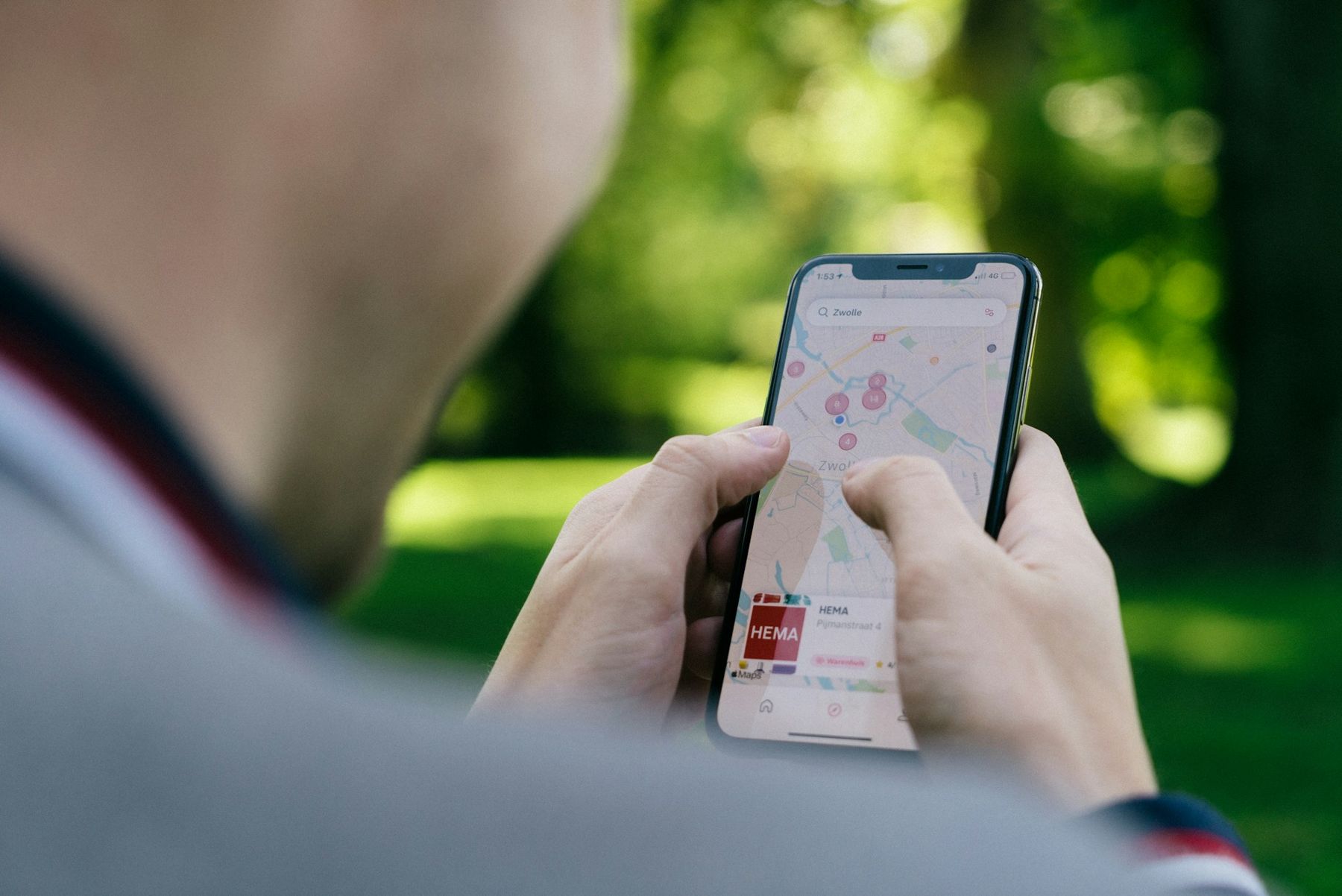
Before you leave, download offline maps for every area you will visit, on home wifi, and check they open with the phone in flight mode. An offline map app can show where you are using GPS even without a data connection, which is enough to walk from a station to a room. Mark your rooms, stations and the places you care about.
Save every ticket and booking somewhere that works offline: as screenshots, downloaded documents or in the operator's own app with the tickets loaded. Boarding passes and rail tickets on a phone are only useful if they open when the signal does not.
The paper backup
The paper backup is short, and it lives in the notebook. Write down:
- The full address of every room, with the phone number.
- For the first night, how to get there from the airport or station.
- Booking reference numbers for flights, trains and rooms.
- Emergency numbers and your insurer's helpline.
- One or two phone numbers of people at home, written out in full.
Where the local script is different from yours, copy the address in that script too, so a driver can read it. A folded city map from a station or tourist office is light, free in many places, and shows a whole area at once in a way a small screen does not. It also never runs out of battery. The same paper habit runs through the one-page itinerary.
Chargers, plugs and voltage
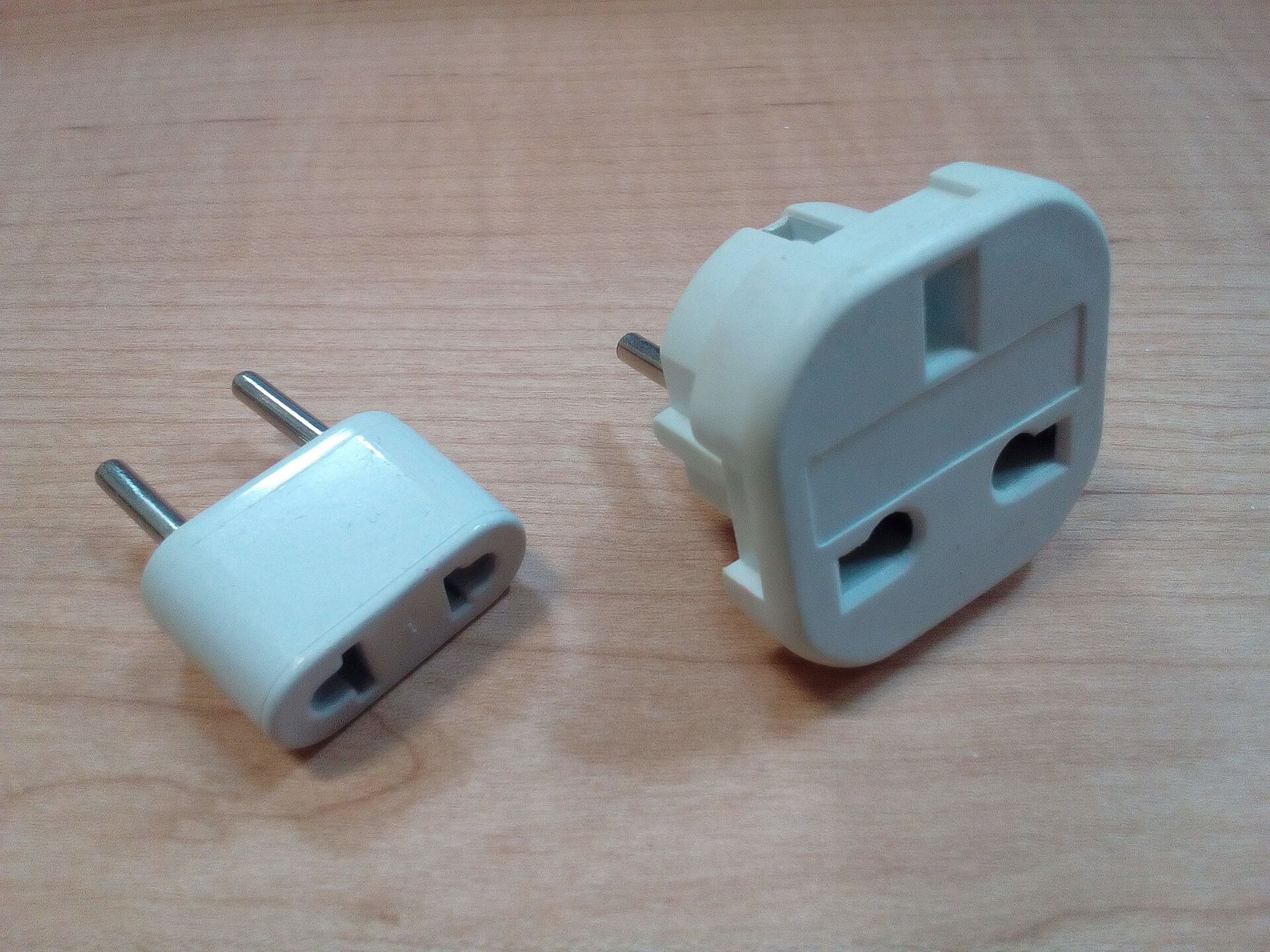
Countries use different plug shapes, and some use different voltages. A plug adapter changes the shape of the plug; it does not change the voltage. Most phone and laptop chargers are labelled for a wide range, often 100 to 240 volts, and work anywhere with just an adapter. Some hair dryers and older devices are not, and need a converter or should stay at home. Check the label on each charger and the plug type for each country before you pack.
A single adapter with several USB ports can charge a phone, a watch and a power bank from one socket, which helps in rooms with few outlets. Bring a spare cable, since cables are the most commonly lost item on a trip.
Power banks and battery habits
A small power bank keeps a phone going through a long day of maps and photos. Airlines generally require power banks and spare batteries to travel in the cabin, not in checked bags, and set limits on their size; check your airline's rules before you fly. Charge the power bank the night before every travel day.
Simple habits stretch the battery. Turn down the screen brightness, close apps you are not using, and switch to flight mode on long journeys without signal, when a phone burns power searching for a network. Download maps and podcasts on wifi rather than mobile data.
Cold drains batteries faster, so on winter trips keep the phone in an inside pocket rather than an outer one. Heat is hard on them too: do not leave a phone on a sunny dashboard or a beach towel. And give the phone a fixed place in the bag and on the bedside table each night, so that charging becomes a habit rather than something you remember at midnight.
Public wifi and charging points
Free wifi in stations, cafes and rooms is useful but not always secure. Avoid banking or entering passwords on an open network where you can, and use mobile data for anything sensitive. Public charging points are handy in a pinch, though many travellers prefer their own charger and a wall socket.
If the phone is lost or stolen
Set up the basics before you go: a screen lock, the feature that lets you locate or wipe a lost phone, and a backup of photos and contacts. Write down your provider's number for blocking the SIM. If the phone goes, block it, report it to the police if your insurance asks for a report, and fall back on the paper notebook. With addresses, references and numbers written down, the next step is a short walk, not a crisis. The calm approach in when plans change on the road helps here too.
Who shot these snapshots
- Fructibus CC0
- CardMapr.nl Unsplash License